




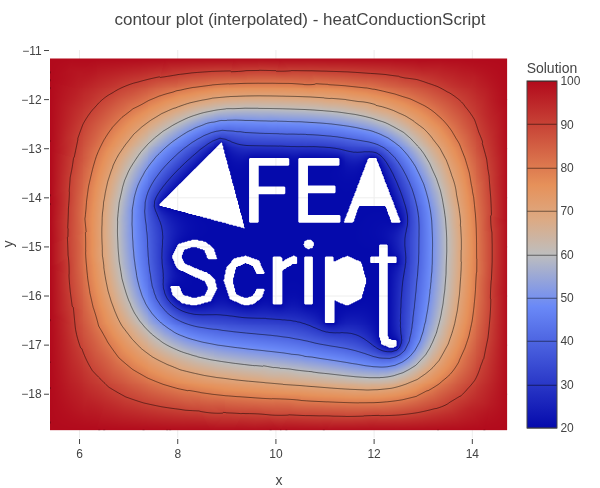
Heat conduction around the FEAScript logo
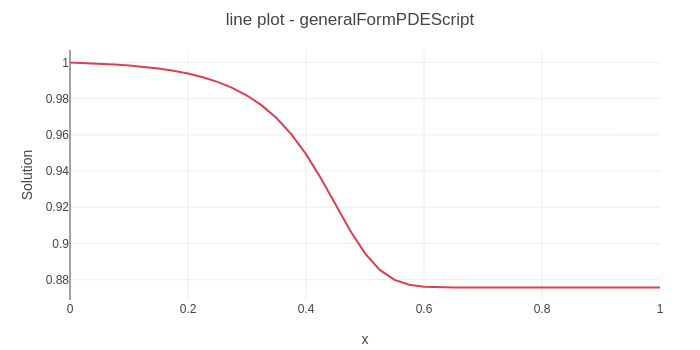
Advection–diffusion with Gaussian source tutorial
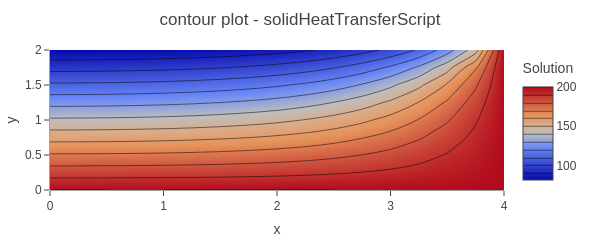
Heat conduction in a 2D fin tutorial
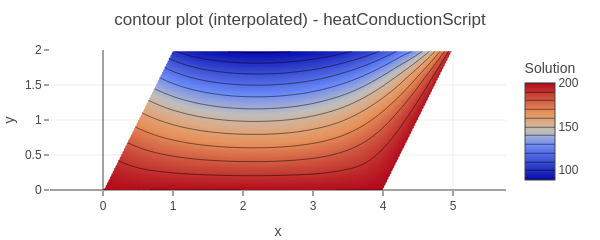
Heat conduction in a 2D rhomboid fin tutorial
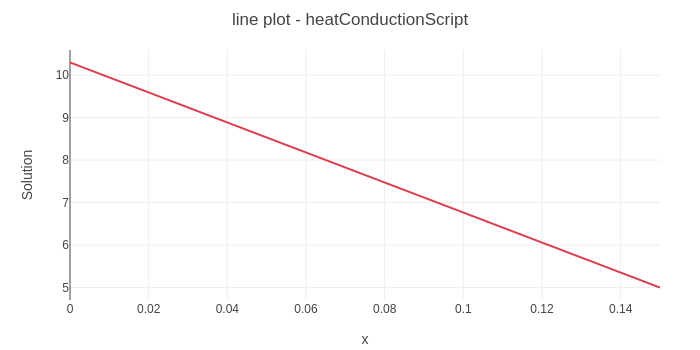
Heat conduction through a wall tutorial
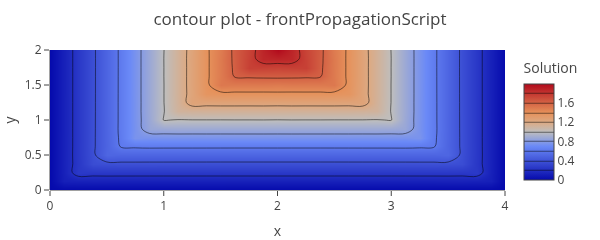
Solidification front propagation in a 2D domain tutorial
FEAScript is a lightweight, open-source finite element simulation library developed in
JavaScript.
It empowers users to perform simulations for physics and engineering problems in both
browser-based and server-side environments. FEAScript serves as an excellent tool for building
interactive web applications and facilitates hands-on learning of computational mechanics.
🎯
Our goal is to democratize finite element analysis by making simulation capabilities accessible to
everyone, everywhere.
You can run simulations with FEAScript by calling its functions from JavaScript (the FEAScript API).
The API offers full programmatic control and works across multiple environments, including the browser
(simple HTML pages and online JavaScript playgrounds, e.g.
CodePen and
Scribbler) and server-side runtimes such as
Node.js.
and
Scribbler) and server-side runtimes such as
Node.js.
 (also on
npm) -
See the roadmap for the upcoming major release
0.2.0
💖 If you find FEAScript useful, please consider supporting its development:
GitHub Sponsors •
Liberapay
(also on
npm) -
See the roadmap for the upcoming major release
0.2.0
💖 If you find FEAScript useful, please consider supporting its development:
GitHub Sponsors •
Liberapay
Quick Start: To use FEAScript in your HTML, include it from our hosted ESM build (i.e.,
import { FEAScriptModel } from "https://core.feascript.com/dist/feascript.esm.js";) or from
a CDN (e.g., https://cdn.jsdelivr.net/gh/FEAScript/FEAScript-core/dist/feascript.esm.js)
→ add a mesh file (e.g., your.msh from
Gmsh) or use FEAScript mesh generation tools → configure the model → add a container
(e.g., <div id="resultsCanvas"></div>) → run the simulation. Here is a
simple example (see the tutorials section for more details):
<body>
  <!-- ...body region... -->
  <script type="module">
  // Import FEAScript library
  import { FEAScriptModel, importGmshQuadTri, plotSolution } from "https://core.feascript.com/dist/feascript.esm.js";

  window.addEventListener("DOMContentLoaded", async () => {
    // Load and parse Gmsh mesh
    const meshContent = await (await fetch("path/to/your.msh")).text();
    const meshFile = new File([meshContent], "your.msh");
    const parsedMesh = await importGmshQuadTri(meshFile);

    // Create and configure model
    const model = new FEAScriptModel();
    model.setModelConfig("physicsModel"); // e.g., "heatConductionScript"
    model.setMeshConfig({parsedMesh, meshDimension: "2D", elementOrder: "linear"});

    // Apply boundary conditions (Gmsh physical group tags)
    model.addBoundaryCondition("boundaryIndex", ["conditionType", /* parameters */]);

    // Solve
    const result = model.solve();

    // Plot results
    plotSolution(model, result, "contour", "resultsCanvas");
  });
  </script>
  <!-- ...rest of body region... -->
</body>
The above code is an illustrative example of running FEAScript. Adapt paths, physics model and boundary conditions to your specific problem.
🚧 FEAScript is currently under heavy development with new features being added regularly. Interested in contributing? Check out our contribution guidelines to get started.
The following list highlights key FEAScript features:
(.msh file format)
)
)
and
Scribbler)
)
Below you can explore tutorials that provide a step-by-step introduction to FEAScript. These tutorials
show how to use the FEAScript API directly by writing JavaScript code, either to integrate finite
element simulations into your own websites and applications or to run them in interactive JavaScript
playgrounds such as
CodePen
and
Scribbler. Each tutorial include different variations that demonstrate the same physical problem under different
configurations, ranging from simple examples to advanced setups using external meshes or multiple
threads.
Scribbler
Scribbler
Scribbler
Scribbler
Please report any feedback on the tutorials above to the GitHub Discussions or Issues.
The documentation for FEAScript is currently under development. In the meantime, for information on the numerical methods used in FEAScript and other technical resources, please visit the FEAScript blog.
The core library of FEAScript is distributed under the terms of the MIT license. This website is licensed under the Creative Commons Attribution 4.0 License.